AI Balenciaga
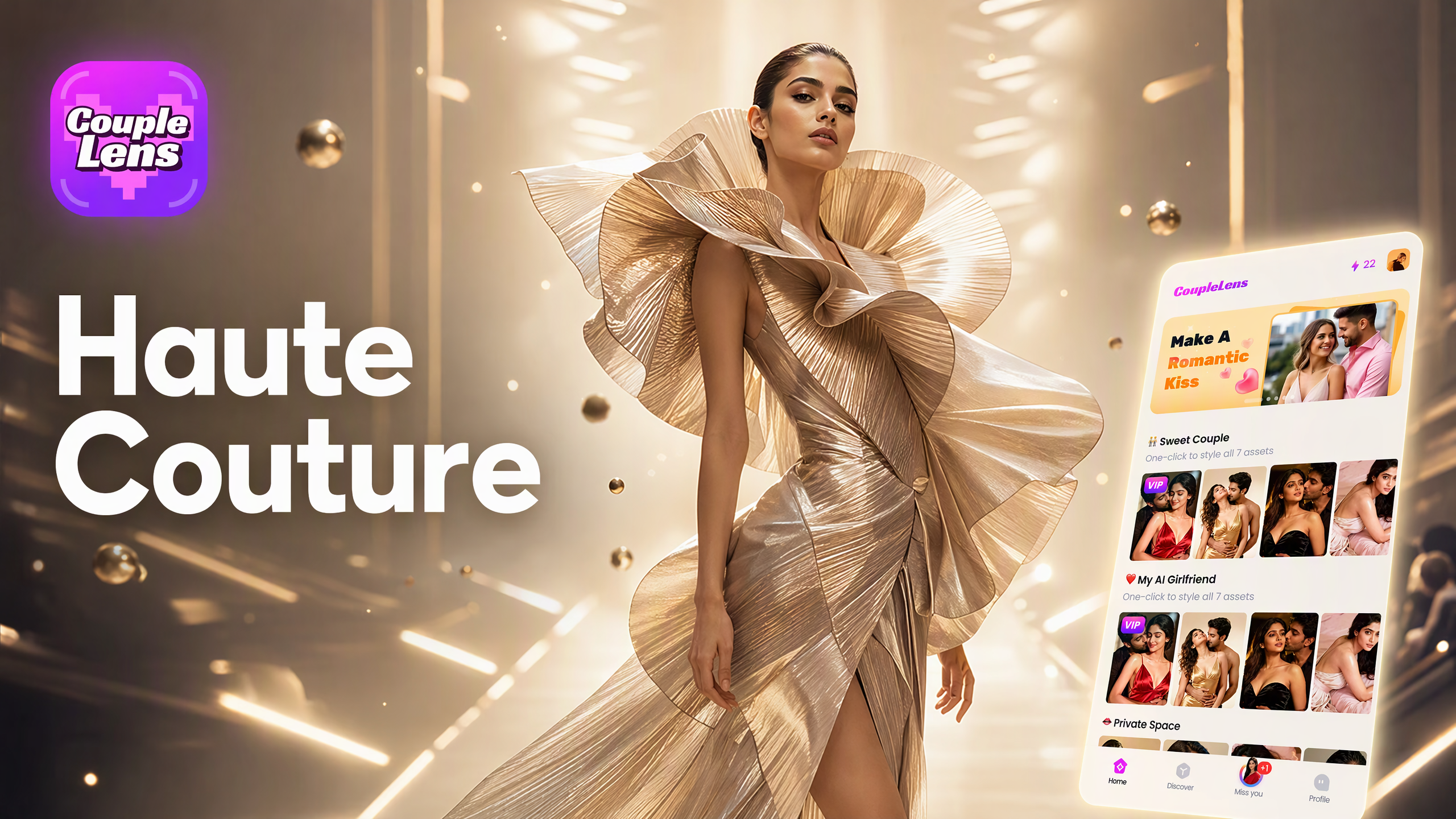
AI Balenciaga Style Filters Inside CoupleLens
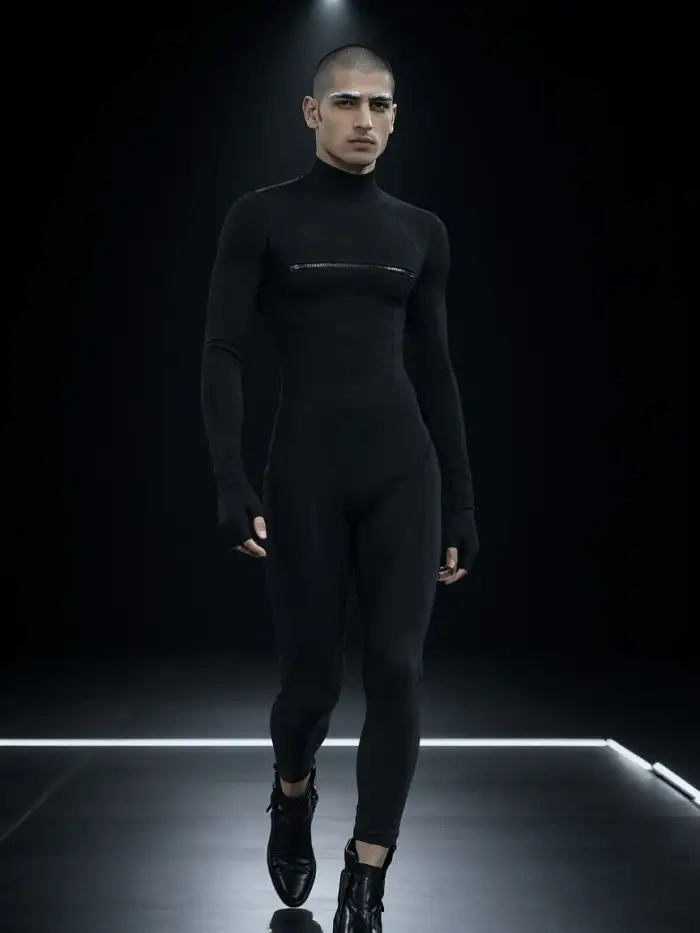
The Balenciaga section inside CoupleLens ships with runway-ready templates built for fashion shoots and oversized streetwear.
Key Features of the AI Balenciaga Generator
CoupleLens packs every tool you need to make a viral AI Balenciaga look into one mobile app.
 Before
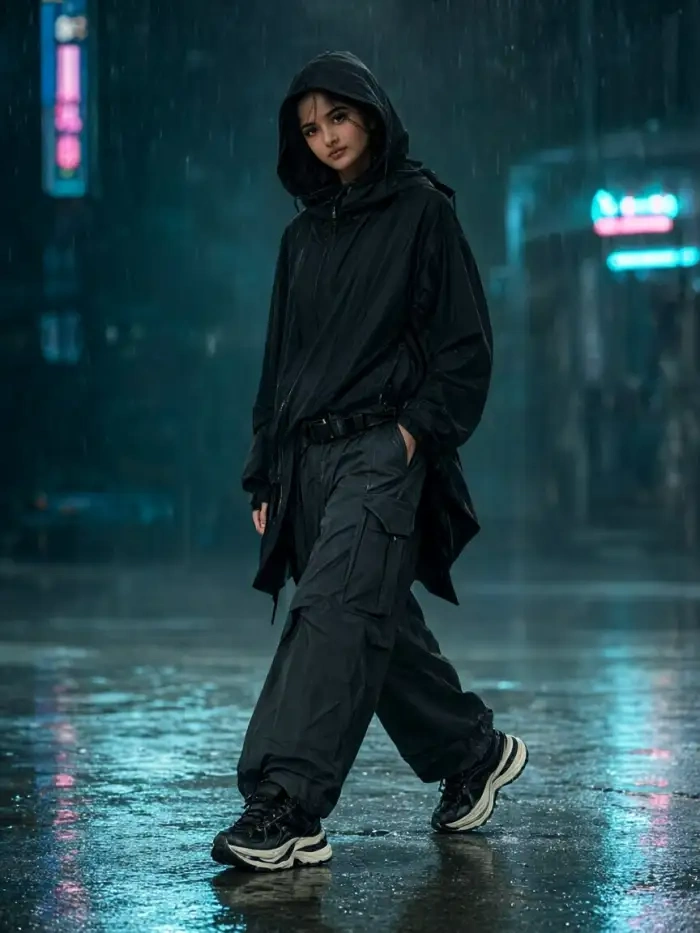 After
One Tap Balenciaga Filters
CoupleLens ships with 25,000 ready to use style templates and a dedicated AI Balenciaga filter library that updates every week. Each filter is pre tuned for moody studio lighting and oversized silhouettes\.
 Before
Balenciaga Video Built for Social
CoupleLens exports every AI Balenciaga result in vertical HD sized for TikTok, Reels, and Shorts from the first frame. No crop tool. No resize. No second app. The render hits 10 to 20 seconds.
 Before
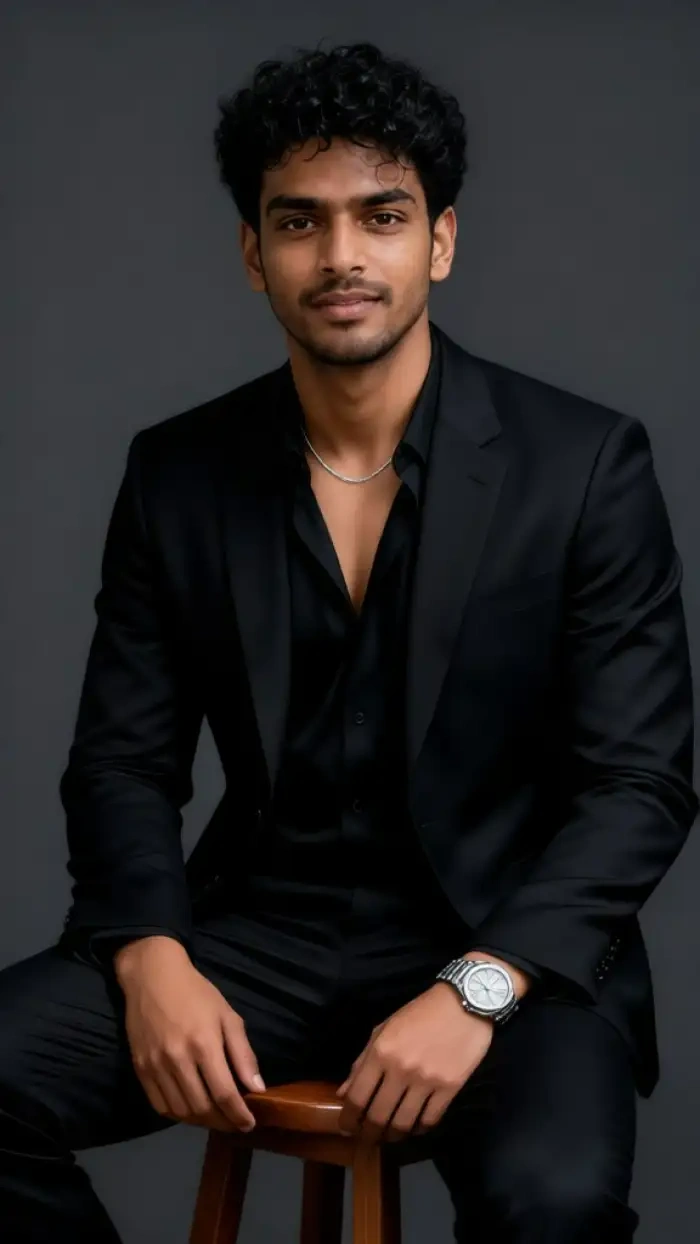 After
Identity Lock and Character Consistency
CoupleLens keeps your real face across every AI Balenciaga generation. The model locks your bone structure, skin tone, hair, and outfit line so the same person shows up in every clip, every pose, every Reel.
How to Create an AI Balenciaga Look?
CoupleLens keeps the whole AI Balenciaga workflow inside one mobile app. The download is free.
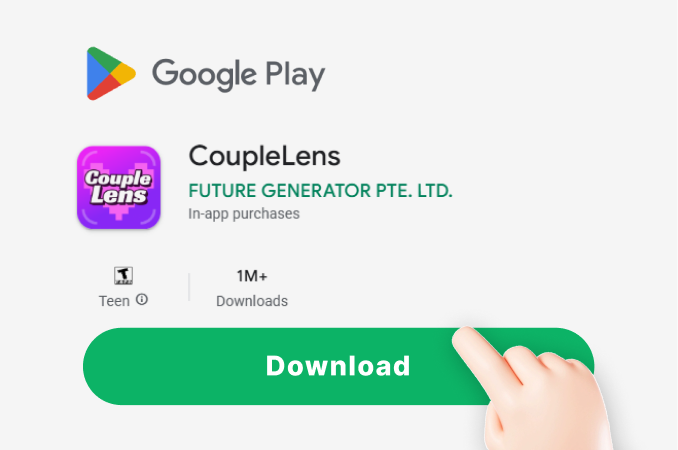
Step 01.
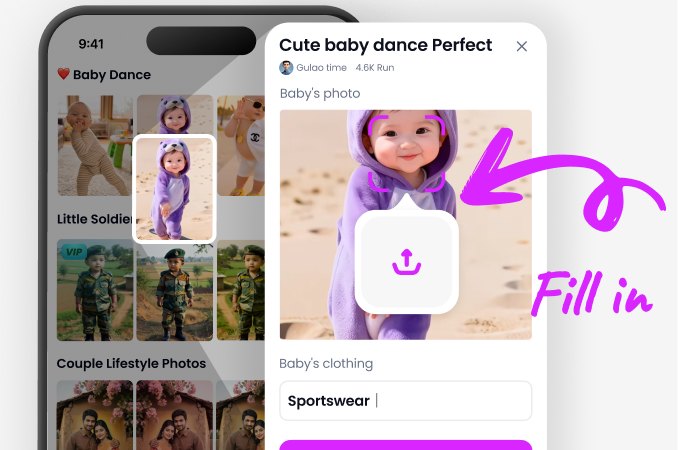
Open Google Play on your Android phone. Search CoupleLens. Tap install. The whole studio is on your phone now, no desktop, no extra tool.
Step 02.
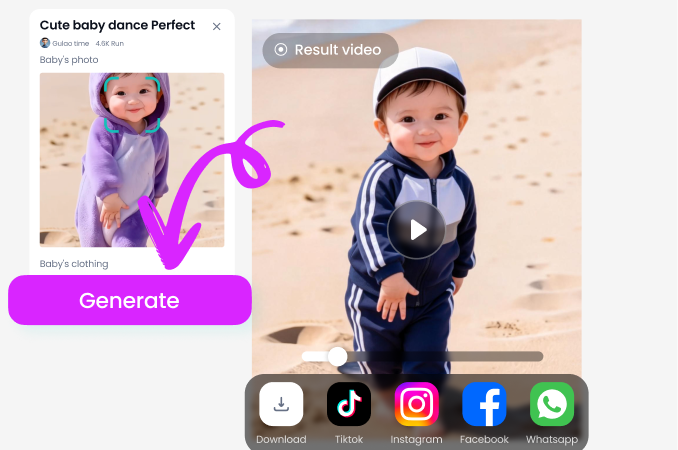
Scroll the Balenciaga section inside CoupleLens. Pick a runway card that matches your mood.
Step 03.
Wait about 20 seconds. Preview the clip. Save it to your phone. Post straight to TikTok, Reels, or Shorts from the CoupleLens share button.
Use CoupleLens for AI Balenciaga Style Looks
CoupleLens is the only AI Balenciaga generator built mobile first, with no prompt writing, no training, and no desktop app. The 25,000 template library covers every Balenciaga substyle from oversized puffer to dark editorial to cyberpunk couture. Identity lock keeps your face the same across every clip. Vertical export hits Reels, TikTok, and Shorts in one tap. Free starter credits mean your first viral AI Balenciaga post costs nothing.

Watch the Balenciaga Runway Workflow
From the Google Play install, to the filter tap, to the final 20 second runway video, these videos show every step on a real phone screen.
What Real Users Say About the AI Balenciaga
Try the Balenciaga filter on CoupleLens. Your feed is about to look like Fashion Week.
I run a streetwear page on TikTok and the AI Balenciaga filter on CoupleLens changed my whole post schedule. I drop one outfit photo, the app gives me a moody runway clip in 20 seconds, and the comment section loses it. I shipped nine Balenciaga style videos in one week. CoupleLens is now my main camera.
CoupleLens is the fastest way to make AI Balenciaga style content that still looks like you.
I have tried Midjourney, Pika, and three other runway tools before. None of them kept my face the same in the video. CoupleLens is the only one that locked my bone structure across every Balenciaga clip I made. The dark lighting and oversized coat look came out exactly like the viral edits I saw online.
CoupleLens gave me a whole new product line in one app. Balenciaga style is now my best seller.
I shoot real weddings on weekends, but during the week I post AI fashion content for fun. CoupleLens turned my side hobby into a real second income stream. The Balenciaga filter on CoupleLens gives my portrait clients a moody editorial look they can post on their own feeds. The download is free and the first render is free too.
Frequently Asked Questions
CoupleLens builders and power users answer the top questions about the AI Balenciaga generator, the filters, the app, and the result quality.
More Topics You May Like
CoupleLens ships with thousands of fashion ready filters beyond the AI Balenciaga look.
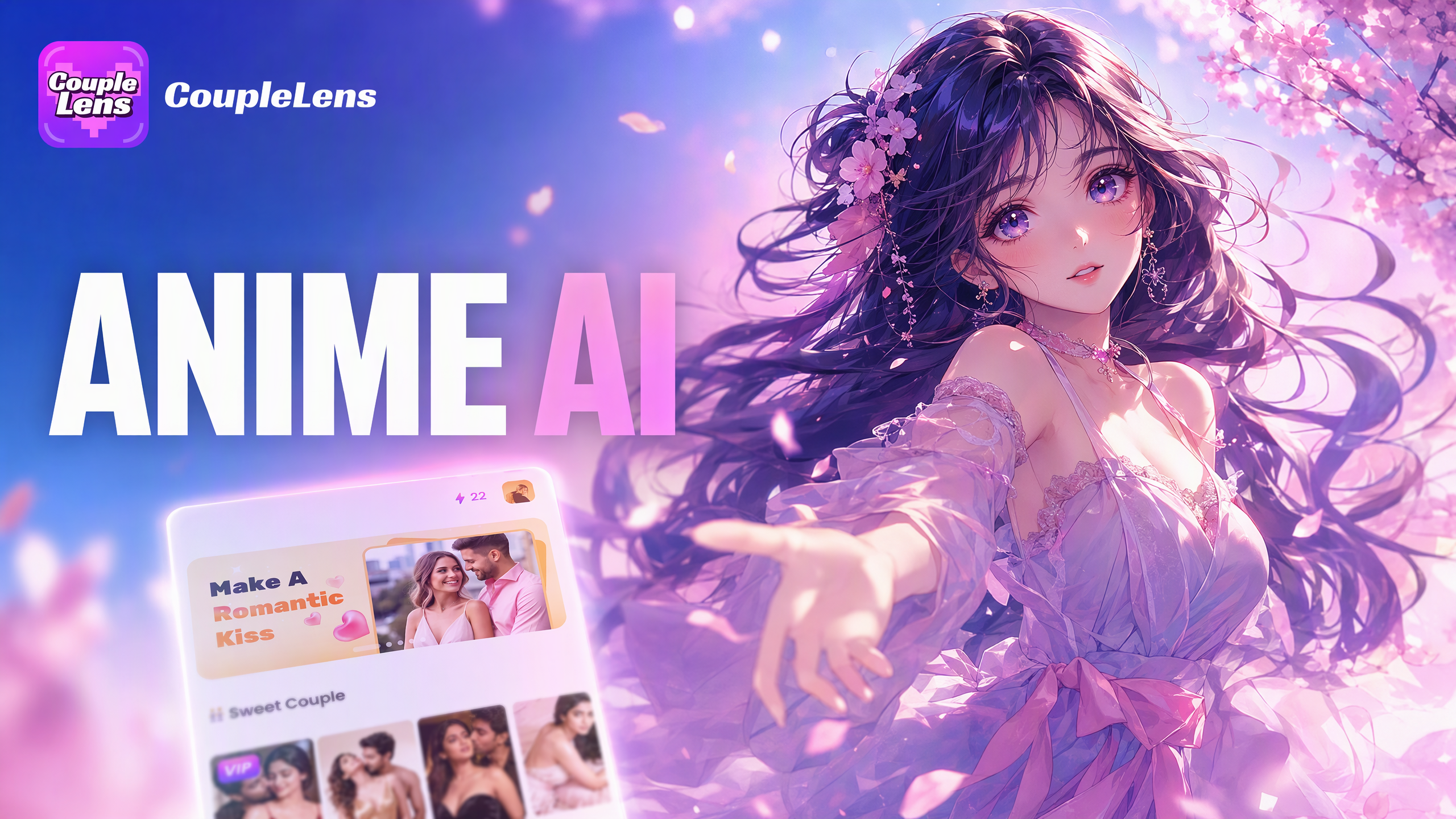
Best AI Anime Generators for Photo and Text Art on CoupleLens
80S Video AI Generator: Make Retro 1980s Clips on Your Phone
Best Anime Character Creators That Turn Selfies into Anime Art on Your Phone
Best AI Gender Swap Tools for Realistic and Fun Transformations 2026
Best AI Anime Generators for Photo and Text Art on CoupleLens
80S Video AI Generator: Make Retro 1980s Clips on Your Phone
Best Anime Character Creators That Turn Selfies into Anime Art on Your Phone
Best AI Gender Swap Tools for Realistic and Fun Transformations 2026
AI Balenciaga Runway Starts With One Tap
Grab CoupleLens on Google Play and ship your first AI Balenciaga video tonight. Pick a filter. Drop in one photo. The download is free and the first render is on the house.
AI Balenciaga Runway Starts With One Tap
Grab CoupleLens on Google Play and ship your first AI Balenciaga video tonight. Pick a filter. Drop in one photo. The download is free and the first render is on the house.