Why Devil AI Photo Prompts Are Trending
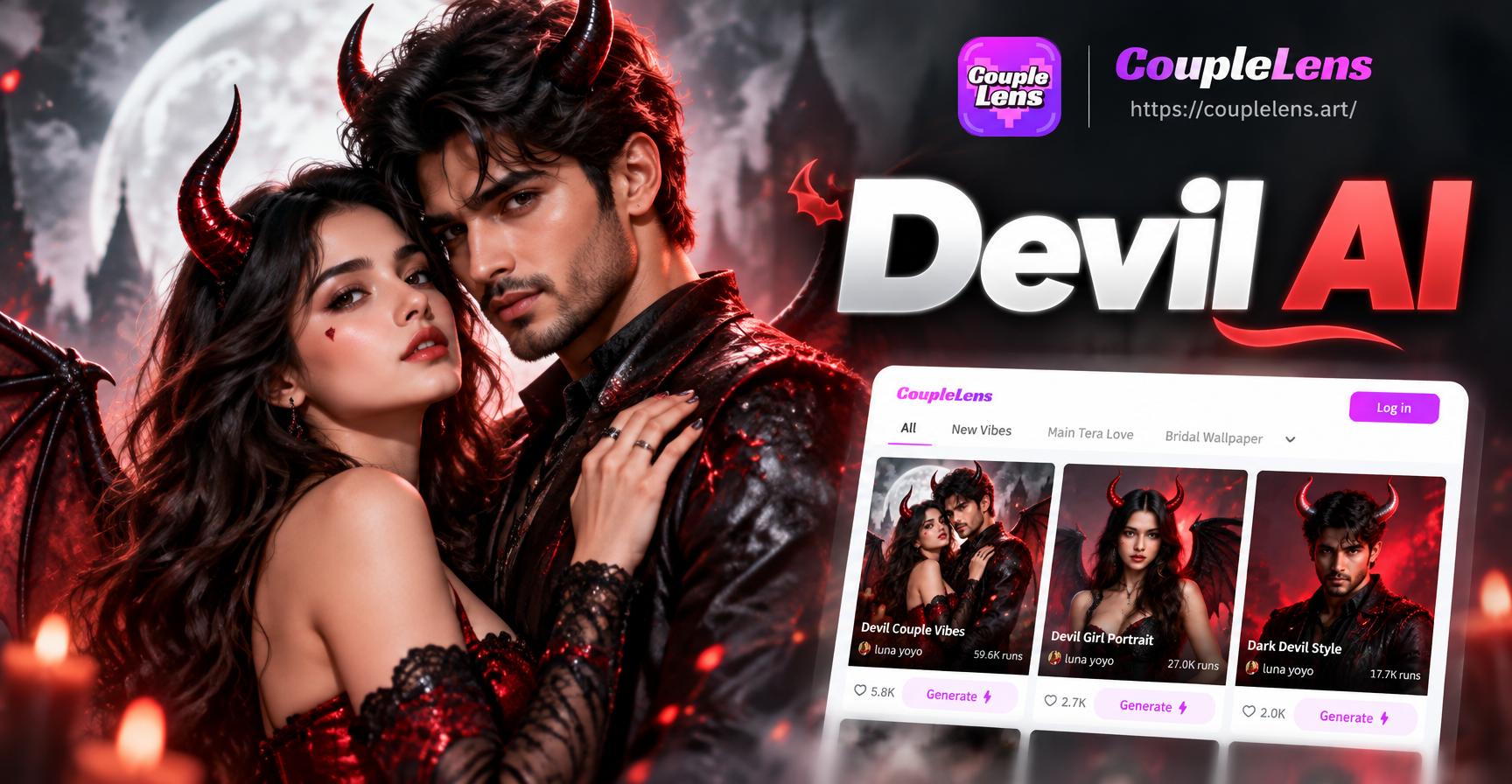
Devil AI photo prompts give creators a fast way to build dark, dramatic portraits without manual drawing or complex editing. These prompts describe a devil themed character, mood, lighting, and composition in plain language. You can paste them into an AI image generator such as CoupleLens. The result can range from a subtle fallen angel portrait to a full cinematic horror scene. This guide provides specific, ready to use prompts plus the exact techniques to adapt them.
The devil aesthetic has exploded across social media, gaming communities, and cosplay circles. Creators want images that feel menacing, elegant, tragic, or seductive. AI image generators can deliver that range quickly, but the output depends heavily on how you phrase the prompt. A weak prompt produces a generic red character with plastic horns. A strong prompt creates cracked obsidian texture, glowing ember eyes, and a mood that feels like a real film still.
Core Elements of a Strong Devil AI Photo Prompt
Before you copy any prompt, understand the building blocks. The best devil AI photo prompts combine subject, style, lighting, and detail. Here is what to include.
- Subject: Define gender, age, expression, and body position. Do not just say devil. Say brooding male devil or regal female devil queen.
- Horns and features: Describe shape, material, color, and texture. Options include jagged obsidian horns, curved bone horns, chrome antlers, or small velvet covered nubs.
- Style: Choose photorealistic, anime, gothic painting, cinematic still, watercolor, or 3D clay. Mixing styles without intent creates muddled images.
- Lighting: Use rim light, ember glow, underlighting, candlelight, or volumetric moonlight. Lighting is what separates flat images from dramatic ones.
- Color palette: Black, crimson, charcoal, burnt orange, and gold are common. Adding a single contrasting color such as cold blue can make the red pop.
- Camera and composition: Specify close up, full body, low angle, side profile, or wide shot. Depth of field and film grain add realism.
- Mood: Menacing, seductive, tragic, regal, or uncanny. Mood shapes expression and posture.
- Detail level: Request skin texture, smoke, cracks, embers, fabric folds, or glowing veins. More specific details reduce generic results.
20 Devil AI Photo Prompts You Can Use Right Now
Each prompt below is written as a complete sentence you can paste directly into CoupleLens or any AI image generator. You do not need to add extra instructions. Adjust only the details you want to change.
Dark Fantasy Portraits
- A brooding male devil with jagged obsidian horns, glowing orange eyes, cracked charcoal skin, black smoke curling from his shoulders, dark red rim lighting, cinematic close up portrait, high detail.
- A female devil queen with twisted crimson horns, deep red lips, black lace collar, sharp cheekbones, candlelit gothic chamber, warm golden rim light, oil painting style, dramatic mood.
- A young devil child with small curved horns, innocent face with faint glowing red irises, tattered black cloak, floating embers, dark forest background, ethereal fog, storybook illustration.
- A muscular devil warrior with iron horns, molten cracks across his chest, leather armor, battle scars, fiery battlefield, sparks and ash, ultra realistic body, low angle shot.
- A demonic figure with asymmetric antlers, pale grey skin, black veins, white eyes, standing in a ruined cathedral, moonlight through broken stained glass, volumetric light, cinematic composition.
Cinematic Horror
- A close up of a devil face emerging from total darkness, only the glowing red eyes and sharp teeth visible, smoke and dust particles, film grain, horror movie poster style.
- A devil standing behind a foggy mirror, reflection shows a different twisted form, candlelight and deep shadows, psychological horror, cinematic still from a thriller.
- A devil in a business suit with small hidden horns, normal office background, subtle red glow in the eyes, uncanny realism, urban fantasy, 35mm photography.
- A horned silhouette against a burning city skyline, dark wings spread, embers rising, long shot, blockbuster film color grading, high contrast.
- A devil woman with wet black hair, water droplets on skin, reflecting a red neon cross, dark rainy alley, cyberpunk horror, intimate close up.
Gothic and Victorian
- A Victorian era devil gentleman with top hat and ram horns, crimson cravat, dark tailcoat, gaslit study with books and skulls, sepia and black tones, vintage photograph.
- A gothic devil lady with lace veil, small black horns, pale skin, long black dress, standing in a rose garden at midnight, moonlight, ethereal glow, Pre-Raphaelite painting.
- A devil scholar reading an ancient tome, candlelit desk, textured leathery wings folded behind, brass instruments, chiaroscuro lighting, dark academia style.
- A devil bride in a black wedding dress, black horns and veil, holding a bouquet of dried roses, abandoned chapel, dusty light from high windows, romantic horror portrait.
- A devil aristocrat with silver tipped horns, embroidered vest, pocket watch, sitting in a velvet chair, burgundy wallpaper, dramatic portrait lighting, oil painting.
Anime and Stylized
- Anime style devil boy with fluffy white hair, small red horns, glowing purple eyes, school uniform, soft pink and blue background, pastel gothic mood, detailed illustration.
- Chibi devil girl with tiny bat wings, pink hair, holding a pitchfork, sparkles and hearts, cute dark fantasy, kawaii style, high quality 2D art.
- Cyberpunk devil with chrome horns, neon red tattoos, cybernetic eyes, dark alley with holograms, rain reflections, anime movie still, high detail.
- Watercolor devil portrait with soft edges, flowing ink smoke, minimal background, red and black wash, artistic paper texture, dreamlike.
- 3D clay render of a cute devil with rounded horns, holding a tiny flame, miniature studio lighting, soft shadows, whimsical collectible figure.
How to Adapt These Devil AI Photo Prompts
Each prompt above is a starting point. You can change one or two elements to create an entirely new image without losing the dark atmosphere.
- Change the subject: Swap male for female, child for elder, human for animal, or single figure for a group. You can even replace the devil with a fallen angel or a horned creature.
- Change the style: Replace oil painting with anime, photorealistic with clay, or cinematic with watercolor. The same subject feels completely different.
- Change the setting: A devil in a cathedral, a nightclub, a snowy mountain, or a modern office changes the story. Add specific background details like broken pillars, neon signs, or frost.
- Adjust lighting: Golden hour gives tragic warmth, neon gives cyberpunk energy, candlelight gives gothic intimacy, and moonlight gives cold isolation.
- Add props and costume: Try a scythe, a cursed book, a golden chalice, a mask, a crown of thorns, or a burning rose. Unique props prevent generic images.
- Control composition: A close up focuses on the face and horns. A full body shot shows the costume and pose. A low angle makes the devil look powerful. A side profile creates mystery.
- Use image to image mode: In CoupleLens, upload a portrait and apply a devil style or prompt. This keeps the original face structure while adding horns, smoke, and dark lighting. It is the fastest way to turn a selfie into a devil portrait.
Common Weak Results and How to Fix Them
AI image generators sometimes fail with devil prompts. Here are the most frequent problems and the exact fixes.
- Face looks melted or has extra eyes: Add symmetrical face, well proportioned features, single face. Avoid words like morphing or melting unless that is the style you want.
- Horns look fake or too small: Specify material and size. Instead of horns use large curved obsidian horns with ridges. Add texture details like cracked or polished.
- Image feels too cartoonish: Switch to photorealistic, 35mm photography, film grain, high detail skin texture. Remove anime or illustration words unless you want that style.
- Lighting is flat: Add dramatic rim lighting, volumetric light, high contrast, deep shadows. Mention a light source such as candle, ember, neon, or moon.
- Background is cluttered: Add simple dark background, empty space, bokeh. You can also say isolated on black to remove extra objects.
- Character looks generic: Give unique details such as asymmetrical horns, a scar over one eye, silver rings, a specific jacket, or a tattoo on the neck. The more specific the detail, the less generic the result.
Using CoupleLens for Devil AI Photo Prompts
CoupleLens is a mobile AI design tool that supports text to image and image to image generation. You do not need to master complex prompt engineering. You can paste any devil AI photo prompt from this article into the text to image feature and choose a style template. CoupleLens includes millions of style filters, from realistic photography to anime and 3D clay. It also supports multi person processing, which helps if you want a devil couple or a group scene.
The image to image mode is especially useful for devil portraits. Upload a selfie or a reference photo, then apply a prompt such as add glowing red eyes, curved black horns, and dark smoke. The AI preserves your facial features while transforming the style. You can then adjust intensity, regenerate, and download the result. The app is available on Google Play. Download CoupleLens and try the prompts above today.
Final Tips for Better Devil AI Images
Start with one strong prompt and generate a few variations before changing anything. If the first result is close, tweak only one element at a time. Replace the background, increase the rim light, or add a prop. Do not rewrite the whole prompt. This iterative approach helps you understand what each word does. Save the prompts that work well for your style and reuse them with new subjects.
Devil AI photo prompts are not about copying a single template. They are a language for describing dark drama. The more you practice, the faster you can create custom portraits, social media posts, album art, or story illustrations. Keep the subject specific, the lighting dramatic, and the details unique. Your devil images will feel intentional, not random.